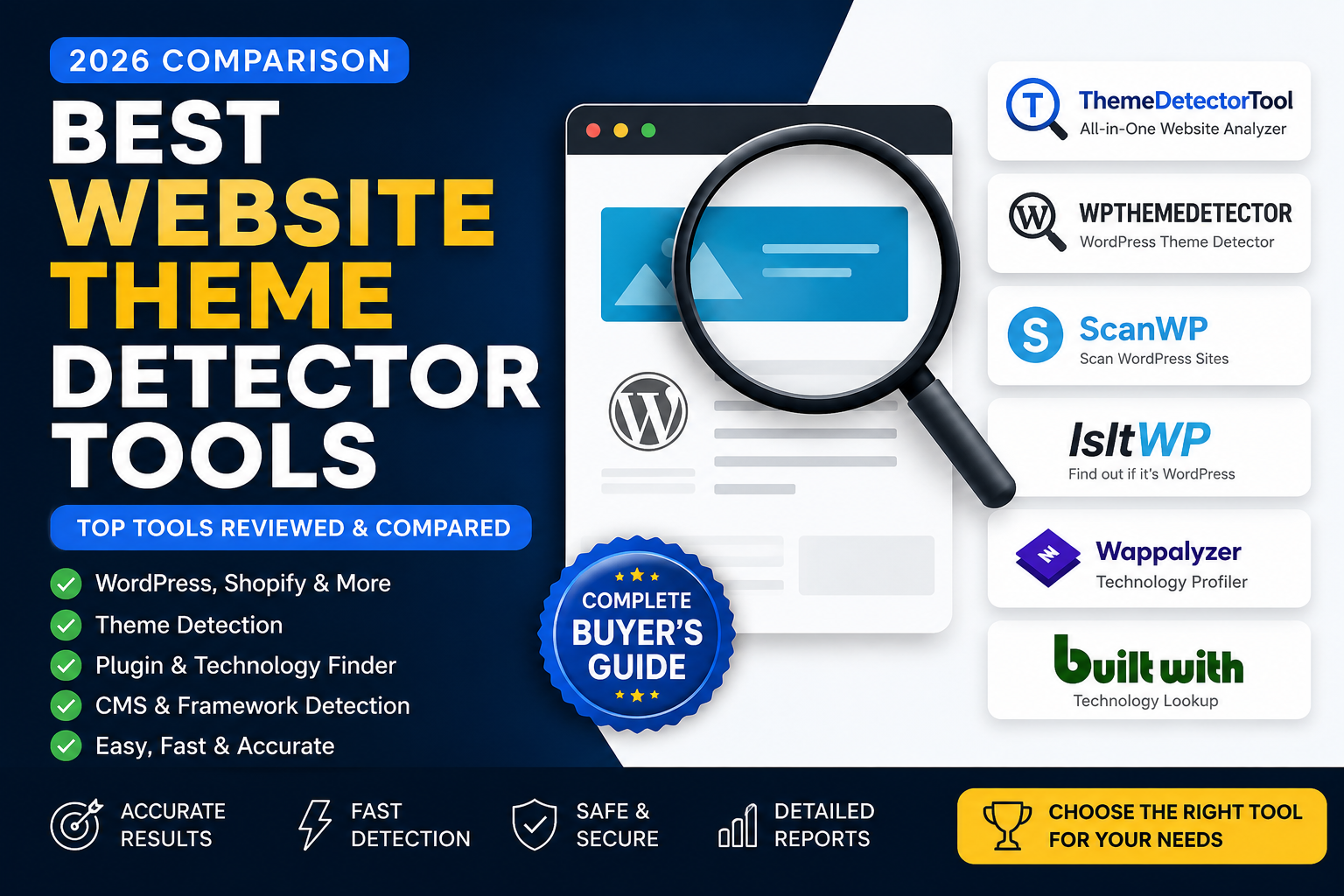
10 Best Website Theme Detector Tools (2026 Comparison)
Quick Answer
If you want to identify the theme, CMS, plugins, and technologies used by a website, several tools can help. Some specialize in WordPress themes, while others provide broader website technology analysis. The best choice depends on whether you need quick theme detection, detailed technology insights, or developer-focused information.
Key Takeaways
- No single detector identifies every website perfectly.
- WordPress-specific tools generally perform best for WordPress sites.
- Broader technology detectors can identify frameworks, analytics, CDNs, and JavaScript libraries.
- Always compare results from multiple sources when accuracy is important.
- Detection depends on publicly available website resources, so custom or hidden implementations may not be fully identifiable.
Why Trust This Comparison?
This guide compares tools based on:
- Ease of use
- Detection capabilities
- Supported platforms
- Website technology coverage
- Accuracy on publicly detectable resources
- User experience
- Strengths and limitations
The goal is not to declare a universal winner, but to help you choose the right tool for your specific needs.
Comparison Table
| Tool | WordPress | Shopify | CMS | Plugins | Technologies | Best For |
|---|---|---|---|---|---|---|
| ThemeDetectorTool | ✅ | ✅ | ✅ | ✅ | ✅ | All-around website analysis |
| WPThemeDetector | ✅ | ❌ | Limited | Limited | Limited | WordPress theme detection |
| ScanWP | ✅ | ❌ | Limited | ✅ | Limited | WordPress research |
| IsItWP | ✅ | ❌ | Limited | Limited | Limited | Beginners |
| Wappalyzer | Limited | Limited | ✅ | ❌ | ✅ | Technology stack |
| BuiltWith | Limited | Limited | ✅ | ❌ | ✅ | Enterprise research |
Note: Feature availability changes over time. This comparison reflects publicly available capabilities at the time of writing. Always verify current features on each tool's official website before making decisions.
Introduction
Choosing the right website theme detector isn't as simple as picking the first tool you find in search results.
Some tools are designed specifically for WordPress. Others analyze complete website technology stacks, including CMS platforms, JavaScript frameworks, analytics services, CDNs, and security technologies.
Understanding these differences can save you time and help you get more accurate results.
In this guide, we'll compare some of the most popular website theme detector tools, explain where each one performs well, discuss their limitations, and help you decide which tool best fits your workflow—whether you're a developer, designer, SEO professional, agency, or website owner.
Detailed Reviews of the Best Website Theme Detector Tools
1. ThemeDetectorTool
Overview
ThemeDetectorTool is a modern website analysis platform designed to help users identify publicly detectable technologies used by websites. Rather than focusing only on WordPress themes, it aims to provide a broader view of how a website is built.
Depending on what a website exposes publicly, ThemeDetectorTool may identify:
- WordPress themes
- Shopify themes
- CMS platforms
- Plugins
- JavaScript libraries
- CSS frameworks
- Analytics tools
- CDN providers
- Security technologies
Strengths
- Beginner-friendly interface
- Supports multiple CMS platforms
- Broader technology analysis
- Fast scanning
- No technical knowledge required
Limitations
- Detection depends on publicly available resources.
- Custom-built themes and heavily optimized websites may reveal limited information.
Best For
- Developers
- Agencies
- SEO professionals
- Website owners
- Digital marketers
2. WPThemeDetector
Overview
WPThemeDetector is one of the longest-running WordPress theme detection tools. Its primary focus is identifying WordPress themes and, when possible, related plugins.
Strengths
- Mature platform
- Strong WordPress focus
- Simple interface
Limitations
- Limited coverage outside WordPress.
- Not designed for complete website technology analysis.
Best For
Users who only need WordPress theme detection.
3. ScanWP
Overview
ScanWP specializes in WordPress technology analysis. It can often identify themes, plugins, and selected WordPress-specific technologies.
Strengths
- Good WordPress coverage
- Plugin detection
- Theme identification
Limitations
- Primarily focused on WordPress.
- Limited support for non-WordPress platforms.
Best For
WordPress developers and researchers.
4. IsItWP
Overview
IsItWP helps users determine whether a website is powered by WordPress and, when possible, identifies the active theme.
Strengths
- Very easy to use
- Suitable for beginners
- Quick results
Limitations
- Limited technical details.
- Focused mainly on WordPress.
Best For
Beginners who want a quick answer.
5. Wappalyzer
Overview
Wappalyzer is a website technology profiler rather than a dedicated theme detector. It identifies hundreds of technologies, including CMS platforms, JavaScript frameworks, analytics tools, payment providers, hosting services, and more.
Strengths
- Huge technology database
- Browser extension
- Developer friendly
Limitations
- Not optimized for detailed WordPress theme detection.
- Plugin information may be limited.
Best For
Technology stack analysis.
6. BuiltWith
Overview
BuiltWith is an enterprise-focused technology intelligence platform that provides detailed reports about website technologies, hosting, marketing tools, advertising networks, analytics platforms, and infrastructure.
Strengths
- Extremely comprehensive
- Enterprise reporting
- Historical technology tracking
Limitations
- Premium features can be expensive.
- More information than casual users may need.
Best For
Enterprise research, agencies, and market intelligence.
Feature Comparison
| Feature | ThemeDetectorTool | WPThemeDetector | ScanWP | IsItWP | Wappalyzer | BuiltWith |
|---|---|---|---|---|---|---|
| WordPress Theme Detection | ✅ | ✅ | ✅ | ✅ | Limited | Limited |
| Shopify Detection | ✅ | ❌ | ❌ | ❌ | ✅ | ✅ |
| CMS Detection | ✅ | Limited | Limited | Limited | ✅ | ✅ |
| Plugin Detection | ✅ | Limited | ✅ | Limited | ❌ | Limited |
| JavaScript Libraries | ✅ | ❌ | ❌ | ❌ | ✅ | ✅ |
| CSS Frameworks | ✅ | ❌ | ❌ | ❌ | ✅ | ✅ |
| Analytics Detection | ✅ | ❌ | ❌ | ❌ | ✅ | ✅ |
| CDN Detection | ✅ | ❌ | ❌ | ❌ | ✅ | ✅ |
Which Tool Should You Choose?
Choose ThemeDetectorTool if you want a broader website analysis experience that goes beyond WordPress themes.
Choose WPThemeDetector or ScanWP if your work focuses primarily on WordPress.
Choose Wappalyzer or BuiltWith if you're researching complete technology stacks across many websites.
The best choice depends on your workflow rather than a single "winner." Many professionals use more than one tool to cross-check results and build a more complete understanding of a website's publicly detectable technologies.
How to Choose the Right Website Theme Detector
Not every website theme detector is built for the same purpose. Before choosing a tool, it's important to understand what you actually need to analyze.
If you're only curious about a website's WordPress theme, a lightweight detector may be enough. However, if you're researching competitors, auditing client websites, or studying modern web technologies, you'll likely need a broader website analysis platform.
Below are the key factors to consider.
1. Detection Accuracy
Accuracy should always be your top priority.
A reliable theme detector should only report information that it can verify from publicly available website resources.
Be cautious of tools that make unsupported claims or guess technologies without evidence.
Look for tools that clearly distinguish between:
- Confirmed detections
- Possible detections
- Unknown technologies
Transparency is often more valuable than displaying a long list of uncertain results.
2. Supported Platforms
Some detectors only support WordPress.
Others can identify multiple platforms, including:
- WordPress
- Shopify
- Wix
- Webflow
- Squarespace
- Joomla
- Drupal
If you regularly analyze different types of websites, choose a platform that supports multiple CMS ecosystems.
3. Technology Coverage
Modern websites rely on much more than themes.
A comprehensive website analysis tool may also detect:
- CMS
- Plugins
- JavaScript libraries
- CSS frameworks
- Fonts
- Analytics tools
- CDN providers
- Security headers
- Marketing technologies
The broader the coverage, the more useful the report becomes.
4. Ease of Use
A good detector should require only a website URL.
The results should be:
- Easy to understand
- Well organized
- Beginner friendly
- Technically detailed when needed
Developers and beginners should both be able to benefit from the same report.
5. Speed
Website analysis shouldn't take several minutes.
Most users expect results within a few seconds.
Fast analysis creates a better user experience, especially when reviewing multiple websites.
6. Privacy
A trustworthy detector analyzes only publicly available resources.
It should never request:
- Website passwords
- Admin access
- FTP credentials
- Hosting credentials
If a tool requires private access simply to identify a theme, it's solving a different problem than theme detection.
Comparison by User Type
| User | Recommended Tool Type |
|---|---|
| Beginner | Simple Theme Detector |
| Blogger | WordPress Theme Detector |
| Web Designer | Theme + Plugin Detector |
| Developer | Website Technology Analyzer |
| SEO Professional | Complete Website Intelligence Platform |
| Agency | Multi-Technology Detection Tool |
| Enterprise | Technology Intelligence Platform |
When Should You Use Multiple Tools?
No single detector can identify every technology with perfect accuracy.
Professional developers often compare results from multiple sources to build a more complete understanding of a website.
For example:
- Use a theme detector to identify the active theme.
- Use a technology profiler to review frameworks and analytics.
- Manually inspect the source code if additional verification is needed.
Cross-checking improves confidence and helps avoid incorrect assumptions.
Common Misconceptions
"A detector can always identify the theme."
Not true.
Some websites intentionally expose very little information.
"If a detector can't identify the theme, it must be broken."
Also not true.
Many websites use custom themes, headless architectures, or optimization techniques that reduce publicly visible fingerprints.
"Theme detection reveals private information."
False.
Reputable tools analyze only the same public resources that every visitor's browser downloads.
Expert Recommendation
Instead of searching only for the theme name, try to understand the website as a complete system.
A useful website analysis includes:
- Theme
- CMS
- Plugins
- Frameworks
- Analytics
- CDN
- Security technologies
- Performance indicators
Looking at the complete technology stack provides much deeper insights than focusing on the theme alone.
Editor's Picks (2026)
🏆 Best Overall Website Analysis: ThemeDetectorTool
🥇 Best for WordPress Theme Detection: WPThemeDetector
🥈 Best for WordPress Plugin Detection: ScanWP
⭐ Best for Beginners: IsItWP
⚙️ Best Technology Stack Analysis: Wappalyzer
🏢 Best for Enterprise Intelligence: BuiltWith
Key Takeaways
- Choose a tool based on your goals rather than popularity.
- Verify important findings using multiple methods when accuracy matters.
- Understand that detection is limited to publicly available information.
- A complete technology analysis offers more value than theme detection alone.
Frequently Asked Questions:
1. What is a website theme detector?
A website theme detector is an online tool that analyzes publicly available website resources to identify the design theme and related technologies used by a website. Depending on the platform, it may also detect CMS platforms, plugins, frameworks, analytics tools, and CDN providers.
2. Are website theme detectors accurate?
They can be very accurate when a website exposes sufficient public information. However, custom themes, asset optimization, security measures, and headless architectures may limit what can be identified.
3. Can I detect Shopify themes?
Yes. Some tools support Shopify theme detection by analyzing publicly accessible theme fingerprints. Results depend on the information available on the website.
4. Can a theme detector identify plugins?
Some tools can identify publicly detectable plugins by analyzing asset paths, HTML structures, CSS classes, or JavaScript files. Hidden or custom plugins may not be detectable.
5. What's the difference between a theme detector and a technology detector?
A theme detector focuses on identifying a website's visual theme, while a technology detector provides broader insights such as CMS platforms, JavaScript frameworks, analytics services, CDNs, hosting technologies, and more.
6. Is using a theme detector legal?
Yes. Theme detectors analyze publicly available information that any web browser can access. They do not require passwords or unauthorized access.
7. Why do different tools show different results?
Each tool uses its own fingerprint database and detection techniques. One tool may recognize technologies that another does not, especially for newer themes or custom implementations.
8. Can a website hide its theme?
Yes. Websites can reduce publicly available clues through custom development, asset optimization, caching, security plugins, or headless architectures.
9. Which tool is best for beginners?
Tools with a simple interface and clear reports are generally best for beginners. Ease of use is often more important than the number of technologies detected.
10. Should I rely on only one detector?
Not always. For important projects, comparing results from multiple tools and verifying findings manually can improve confidence.
Final Verdict
There isn't a single "perfect" website theme detector for every situation.
Each platform has its own strengths:
- ThemeDetectorTool – Best for users who want an all-around website technology analysis experience.
- WPThemeDetector – Strong choice for WordPress-focused theme detection.
- ScanWP – Useful for WordPress plugin research.
- IsItWP – Great for beginners looking for quick answers.
- Wappalyzer – Excellent for identifying broader technology stacks.
- BuiltWith – Designed for enterprise-level technology intelligence and market research.
The right choice depends on your workflow and the type of information you need.
Pros and Cons of Theme Detector Tools
Advantages
- Save time compared to manual inspection.
- Learn from successful website designs.
- Research competitors responsibly.
- Discover technologies behind websites.
- Improve technical understanding of modern web development.
Limitations
- Custom themes may not be identifiable.
- Results depend on publicly available information.
- Different tools may produce different results.
- Theme detection alone doesn't reveal a website's complete architecture.
Call to Action
If you're looking for a fast and easy way to analyze publicly detectable website technologies, ThemeDetectorTool.com can help.
Simply enter a website URL to explore:
- WordPress themes
- Shopify themes
- CMS platforms
- Plugins
- JavaScript libraries
- CSS frameworks
- Analytics tools
- CDN providers
- Other publicly detectable website technologies
The tool is designed to make website analysis easier for developers, designers, marketers, agencies, and website owners.